A Google Classroom Tutor Add-On Teachers Will Actually Use

In the rapidly changing landscape of education technology, teachers are constantly on the lookout for tools that can genuinely enhance their teaching experience. One such innovative tool is the Google Classroom tutor add-on. But with so many options available, how do you know which tools will actually benefit your classroom? This article focuses on the real-world applications of a Google Classroom tutor add-on, how it can enhance student learning, and why it might be the game-changing resource you've been searching for.
Understanding the Google Classroom Tutor Add-On
First things first, let’s break down what a Google Classroom tutor add-on is. Simply put, it’s a tool integrated into Google Classroom that allows educators to provide personalized learning experiences for students. Whether you’re in a traditional classroom or teaching online, a tutor add-on can help you identify where each student struggles and tailor your teaching methods accordingly. But how does it work?
Imagine you have a student who’s having a tough time grasping algebra concepts. With the Google Classroom tutor add-on, you can track their progress over time. The tool analyzes their performance on quizzes and assignments and provides you with insights that help you intervene in a timely manner. You can then offer targeted resources or even schedule one-on-one sessions. It’s like having a personal assistant that helps you stay on top of your students' needs.
Benefits of Personalization in Learning
One of the biggest advantages of using a Google Classroom tutor add-on is the ability to personalize learning. No two students are the same, and their learning styles can vary widely. Some may excel in visual learning, while others thrive on auditory instruction. By using this add-on, you can tap into each student’s unique preferences.
For example, let’s say you notice a pattern in students’ quiz scores. A few might struggle with multiple-choice questions while others excel. With the insights from the Google Classroom tutor add-on, you could create custom quizzes that focus on the areas where students need the most help. This tailored approach not only fosters a deeper understanding of the material but also boosts student confidence.
Take Sarah, for instance, a ninth-grade student who struggles with reading comprehension. By utilizing the tutor add-on’s analytics, you might discover she performs poorly on textual analysis but excels in summarizing articles. This knowledge allows you to offer her specific resources, such as interactive reading guides or tailored practice assignments that target comprehension strategies. In a few weeks, you might notice an uptick in her test scores, solidly backing up the effectiveness of this personalized approach.
Integrating Technology into Daily Lessons
Integrating technology into your lessons can seem daunting. But the Google Classroom tutor add-on makes it easier than you might think. You can use it to incorporate interactive elements like quizzes and polls that engage students in real-time during your lessons. Ever seen a class go silent when you ask a question? With an integrated AI tutor, you can stimulate discussions and keep students focused.
Imagine leading a lesson on environmental science. Midway through, you can pose a question and use the tutor add-on to instantly gauge students’ understanding. Based on their responses, you can adjust your teaching on the fly, diving deeper into topics that need clarification. This adaptability not only helps students grasp difficult concepts but also keeps them involved.
Let’s say you’re teaching a complex topic like climate change. You could set up a series of polling questions through the Google Classroom tutor add-on to assess students’ pre-existing knowledge. After analyzing their answers, you might find that many students are confused about the greenhouse effect. Armed with this information, you can dedicate a portion of your lesson to demystifying that specific concept, perhaps using visuals or engaging videos that cater to various learning styles. Such a dynamic approach not only enriches the lesson but also empowers students to take ownership of their learning.
Supporting Teachers with Data-Driven Insights
For educators, data can feel overwhelming at times. However, harnessing it effectively can transform your teaching approach. The Google Classroom tutor add-on collects and organizes valuable data about student performance, which can be used to inform your teaching strategy. It’s not just about tracking grades; it’s about understanding trends.

For instance, if you notice that students consistently struggle with fractions, you can allocate more time to that subject. You can create additional resources, such as tailored worksheets or video tutorials, focusing specifically on fractions. The ability to track and analyze this data can help you make informed decisions that ultimately lead to better educational outcomes.
Let’s consider the example of a math department that’s noticed a general decline in test scores across the board. By diving into the detailed analytics provided by the Google Classroom tutor add-on, the department might discover that students are particularly struggling with geometry concepts. This insight allows teachers to convene and develop a targeted intervention plan, such as after-school tutoring sessions or supplementary materials that specifically address geometric principles. By working collaboratively, they can turn around the trend and improve student outcomes.
Facilitating Communication with Parents
Communication is key in education, and having a reliable platform to share student progress with parents can make a world of difference. The Google Classroom tutor add-on allows you to easily generate reports that summarize each student’s strengths and areas for improvement. This functionality can be especially helpful during parent-teacher conferences.
Consider this: you’re meeting a parent who has concerns about their child’s performance. You can pull up data from the tutor add-on right there in the meeting, showing the student’s progress and highlighting specific areas where they excel or need more support. This evidence-based approach not only reassures parents but also fosters a collaborative environment focused on student success.
Imagine showing a parent a graph that illustrates their child’s improvement in math over the semester. With the tutor add-on, you can present clear evidence, such as improved quiz scores and engagement levels, which can ease their worries. Not only does this strengthen the relationship between you and the parents, but it also makes them active partners in their child’s education.
Enhancing Student Engagement with Gamification
Let’s face it: students often lose interest in traditional learning methods. But what if you could turn lessons into engaging games? The Google Classroom tutor add-on can help facilitate gamification in your teaching. By incorporating game-like elements, you can create a more stimulating environment that motivates students to learn.
For example, you could set up challenges where students earn points for completing assignments or participating in discussions. These friendly competitions can light a fire under students, encouraging them to engage more fully with the material. And the best part? The data from the tutor add-on can help you track which elements are most effective in driving student engagement.
Think about creating a leaderboard based on participation in class discussions or homework completion. This can transform the classroom dynamic. Students are often competitive by nature, and fostering a healthy competition can encourage them to strive for success in a way that traditional grading might not. The Google Classroom tutor add-on can help you gather the necessary data to show which students are excelling and which might need additional motivation or support.
Real-World Applications of the Classroom-Integrated AI Tutor
When you think of AI in education, you might envision robots and automation. However, the classroom-integrated AI tutor is far more subtle and practical. It’s all about enhancing human interactions rather than replacing them.
Think about it. You’re teaching a lesson on Shakespeare, and students have varied levels of familiarity with his work. The AI tutor can provide resources tailored to each student’s knowledge level. Some students might receive introductory summaries, while others could access deeper analyses and critiques. This targeted approach ensures that every student is engaged at their level, making Shakespeare less intimidating and more accessible.
Moreover, an integrated AI tutor can provide instant feedback on student assignments. Consider a scenario where a student submits an essay. The AI can review the work and provide constructive feedback on grammar, structure, or argument clarity, all while you’re busy assisting other students. This immediate response can help students learn in real-time, making the entire classroom more efficient and responsive to their needs.
New Approaches to Professional Development
Professional development is crucial for teachers. With constant changes in technology and educational philosophies, staying updated is a necessity rather than an option. The Google Classroom tutor add-on can serve as more than just a teaching tool; it can also be a platform for professional growth.
Consider joining online communities of educators using the tutor add-on. Sharing experiences, successes, and challenges can provide invaluable insights. A group of teachers might discuss best practices for using the add-on, share lesson plans, or highlight unique ways the tool has improved their teaching. Such collaboration fosters a culture of continuous improvement where everyone benefits.
Additionally, many educator training programs are now incorporating technology tools like the Google Classroom tutor add-on into their curriculum. Attending workshops or webinars focusing on this tool can deepen your understanding of its capabilities and keep you ahead of the curve. Learning to use advanced features—like setting up automated grading or feedback—can free up your time for more personalized student interactions.
Leveraging Community Resources for Enhanced Learning
One of the often-overlooked aspects of education is the value of community resources. The Google Classroom tutor add-on can help you tap into local organizations, businesses, and professionals to enhance your students' learning experiences.
For instance, if you’re teaching a unit on local history, you could use the add-on to connect with local historians or museums for virtual tours or guest lectures. The add-on’s communication features can facilitate these interactions easily, allowing students to engage with real-world experts.
By integrating these community resources into your lessons, you not only enrich the curriculum but also make learning more relevant to students. They can see the real-world implications of what they’re studying, which can ignite their passion for learning and encourage them to pursue their interests further.
Final Thoughts: Is It Worth It?
So, you might be wondering: is the Google Classroom tutor add-on worth the investment? The answer is a resounding yes, especially when you consider the myriad benefits it brings to both teachers and students. From personalized learning experiences to data-driven insights, it offers tools that can make your teaching more effective and engaging.
If you’re looking to enhance your classroom experience, this add-on could be your ally. It’s not just another tool; it’s a comprehensive resource that addresses the unique challenges educators face today. No one-size-fits-all solution exists, but the Google Classroom tutor add-on provides a customizable approach that you can tailor to fit the needs of your students. So why not give it a try? You may find that it transforms the way you teach and the way your students learn.
Related resources: Classroom-integrated AI tutor
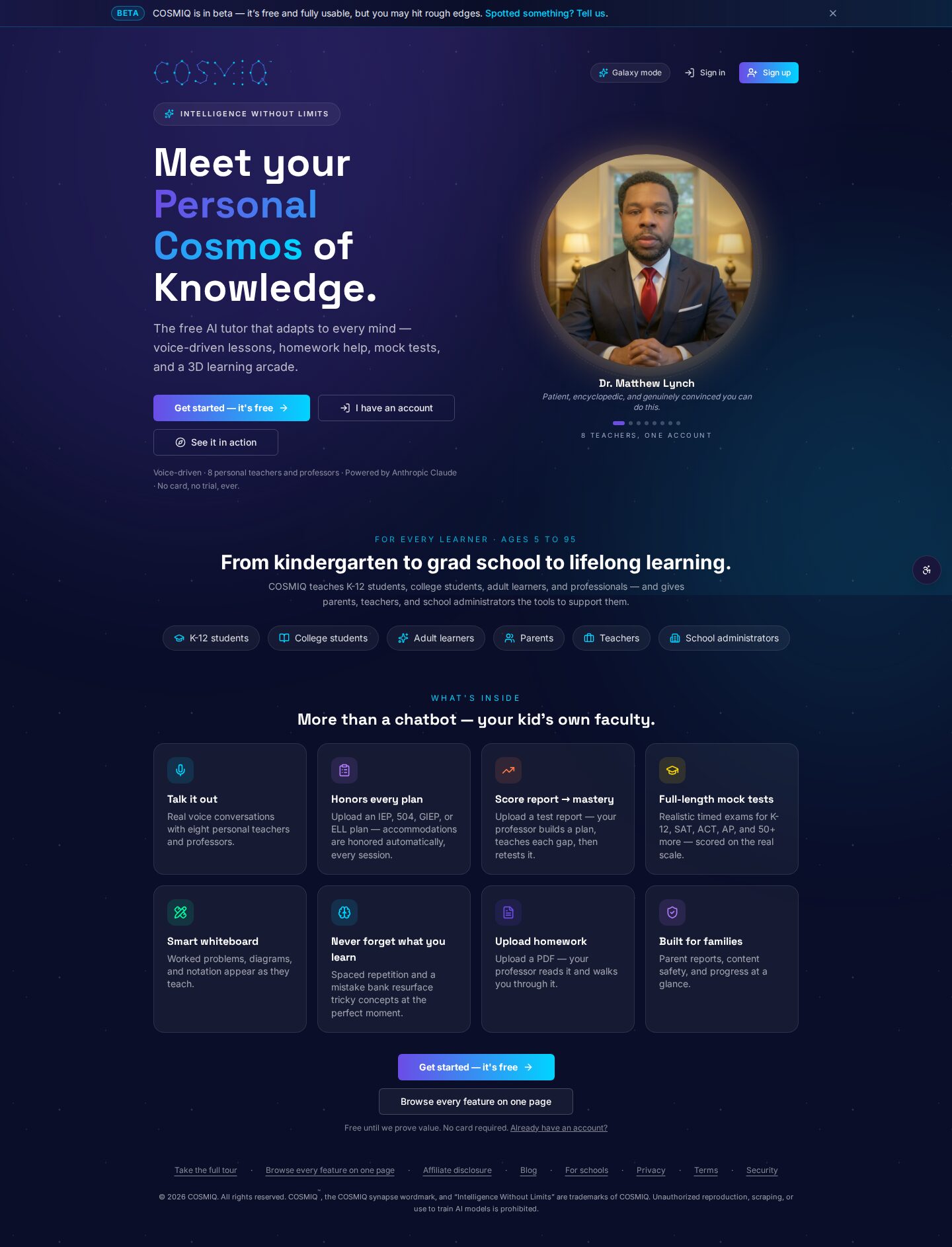
Learn anything, free.
COSMIQ is a free, voice-driven AI tutor for every learner. No credit card, ever.
Start learning free →