How OneRoster CSV Gets Your District Live in Days

Getting Started with OneRoster CSV
If you're looking for a way to streamline your district's data management, you might want to take a closer look at OneRoster CSV. Gone are the days when you had to wrestle with complicated software and lengthy setup processes. This simple yet powerful tool allows you to get your district live in days instead of weeks or months. But how does it work? Let’s break it down.
Understanding OneRoster
OneRoster is an open standard developed to help educational institutions manage their data more effectively. Think of it as a universal language for student information systems (SIS). When you utilize the OneRoster CSV format, you’re essentially taking advantage of a structured way to share information about students, classes, teachers, and enrollments.
At its core, OneRoster aims to simplify data sharing between different systems, making it easier for schools to align their technologies. This means less headache for administrators and more time for educators to focus on what really matters: teaching your students. But how exactly does OneRoster CSV fit into this picture? With its standardized format, it allows for easy data exports and imports between different platforms.
This universality means that when you adopt OneRoster CSV, you’re not just future-proofing your data management; you’re also ensuring compatibility across a broad range of educational tools. Imagine being able to share attendance records with a learning management system without manually entering data. That’s the power of OneRoster.
Simplifying Data Entry
Let’s face it: manually entering data into multiple systems is not just tedious; it’s prone to human error. OneRoster CSV minimizes this by allowing you to upload data in bulk. You’ll start by exporting your existing student information from your SIS into a CSV format that aligns with OneRoster standards.
With OneRoster CSV, you can include everything from student demographics to course listings. This way, when you import the file into your new system, all the information is already there, neatly organized and ready to go. Imagine setting up your SIS in days instead of months, with a fraction of the errors you’d typically encounter. You're saving time and resources that can be better directed toward teaching.
To give you an idea of how this works, let’s consider a hypothetical district transitioning from an older SIS. Instead of manually inputting each student’s information—names, IDs, courses, enrollment status—they can simply gather this data, format it into a OneRoster CSV, and upload it in one fell swoop. It’s efficient, it’s quick, and it helps eliminate that pesky data entry fatigue.
OneRoster Tutoring Integration
One of the standout features of OneRoster is its ability to integrate with various tutoring platforms. This is where the OneRoster tutoring integration comes into play. With this integration, you can seamlessly connect tutoring services with your SIS, making it easy for teachers and students to access additional resources.
Think about how beneficial this is. If a student struggles in math, their teacher can quickly assign them a tutor who specializes in that subject. All of this can happen without the need for cumbersome data transfer or manual updates. The integration ensures that all participant data is synchronized, allowing for a fluid transfer of information and improving student outcomes. This means fewer delays and a more responsive educational environment.
Moreover, the OneRoster tutoring integration doesn’t just help with access; it helps tailor educational experiences. For instance, a teacher can review a student’s performance data to identify specific areas of struggle before making a tutoring recommendation. This personalized approach can significantly enhance learning and engagement.
Imagine if every district could easily match students with the right tutors based on real-time analytics? It’s a scenario that becomes feasible with the OneRoster tutoring integration, and it’s changing how schools think about supplemental learning.
Leveraging OneRoster v1.1 SIS Integration Tutor
When you implement OneRoster v1.1 SIS integration tutor, you’re taking the next step in data management. This version offers enhanced features that not only simplify data handling but also improve communication between systems. You’ll find that this integration supports real-time updates, meaning any changes made in your SIS are reflected instantly across all integrated platforms.
This is crucial for maintaining accurate records and ensuring that your educators have the information they need at their fingertips. Whether it’s tracking student progress or managing class rosters, the OneRoster v1.1 SIS integration tutor gives you the tools to do it efficiently. Not to mention, it adds a layer of flexibility that can adapt to your district’s specific needs.
For example, if a student changes classes or updates their information, the OneRoster v1.1 integration ensures that those changes are instantly available across all related applications. This immediacy can be a game-changer for teachers who need up-to-date information for lesson planning and communication with parents.
Additionally, this version supports a wider array of integrations, meaning that your district can connect more tools without extra hassle. Whether it’s an assessment platform or a new learning management system, the OneRoster v1.1 SIS integration tutor can handle it.
Fast Implementation
Time is of the essence, especially in educational settings where every day counts. One of the primary advantages of using OneRoster CSV is the rapid implementation. With traditional systems, you often face long installation periods, extensive training, and multiple meetings just to get everyone on board.
With OneRoster CSV, however, you can have your district live within days. The straightforward upload process means that your tech team can focus on fine-tuning the system rather than spending endless hours on setup. You can get to business quickly, enabling educators to utilize the system almost immediately.
Let’s take a look at a specific district that switched to OneRoster CSV. They managed to transition from an outdated system to a new SIS in just under a week. The key was their readiness to prepare data in advance and the training sessions they implemented for staff. Staff members were able to hit the ground running, which is critical at the start of a school term.
Furthermore, the speed of implementation can be particularly advantageous when transitioning mid-year. If your district faces an unexpected change, having a system like OneRoster CSV ready to deploy can minimize disruptions to students and teachers alike. You can’t afford to have a lag in data management, and OneRoster CSV helps you avoid that.
Real-World Examples
Still not convinced? Let’s look at some real-world examples. Several districts across the country have successfully implemented OneRoster CSV and have seen dramatic improvements in operational efficiency. For instance, one district reported that they were able to reduce their data management time by nearly 50% after transitioning to OneRoster.
Another school noted that the OneRoster tutoring integration allowed them to enhance their after-school programs significantly. Tutors were able to access student profiles and records without delay, making it easier to tailor their sessions to meet individual needs. These kinds of benefits are not just anecdotal; they reflect a growing trend in educational technology.
There’s a notable example from a district in California, which reported that they were able to manage their entire enrollment process significantly more efficiently. Thanks to OneRoster CSV, they could handle increased enrollment numbers smoothly, providing parents with timely updates and access to their children's information instantly.
In another case, a rural district leveraged OneRoster to connect their students with online tutoring services. By using the OneRoster tutoring integration, they could ensure that students in remote areas had access to quality educational support that was previously unavailable. This kind of impact demonstrates how powerful effective data management can be.
Actionable Steps for Your District
So, how can you get started with OneRoster CSV in your district? First, assess your current systems and identify what data you want to transfer. Gather information about your students, courses, and teachers in the required CSV format.
Next, engage with your IT department or an educational technology consultant who is familiar with OneRoster. They can guide you through the integration process, ensuring that everything goes smoothly. Finally, don’t forget to train your staff. Having a knowledgeable team is essential for maximizing the benefits of the new system.
Consider setting up a pilot program in one school or department before rolling it out district-wide. This approach allows you to identify any issues and address them early on. You can then gather feedback from users in the pilot program to improve the process for the rest of the district.
Don’t overlook the importance of ongoing support, either. After the initial implementation, be prepared to provide additional training sessions and resources for staff. Keeping everyone informed will help ensure that your district makes the most of OneRoster CSV and fosters a culture of continuous improvement.
The Future of Data Management in Education
As we continue to move toward a more tech-driven educational landscape, embracing standards like OneRoster becomes essential. Not only does it save time, but it also fosters a culture of collaboration among different educational platforms.
Imagine a world where your SIS, tutoring platforms, and other educational tools work in harmony. The OneRoster tutoring integration and OneRoster v1.1 SIS integration tutor already lay the groundwork for this vision. By adopting these tools now, you’re not just improving your district’s data management today; you’re setting the stage for a more integrated and efficient future.
The reality is that technology in education is only going to become more prevalent. Students are more accustomed to using digital tools, and educators need to be equipped to meet those expectations. OneRoster is paving the way for a future where data management is seamless, and educational institutions can focus on what they do best: teaching.
So, what are you waiting for? If your district hasn't made the leap yet, there's no better time than now to get started with OneRoster CSV. Transform the way you manage educational data and make a real impact on learning outcomes.
Addressing Data Security Concerns
In an age where data breaches are rampant, concerns around data security are more relevant than ever. When implementing OneRoster CSV, it’s natural to wonder about how your student data is being handled. Fortunately, OneRoster was designed with security in mind. The protocol ensures that data shared between systems is encrypted and transferred securely.
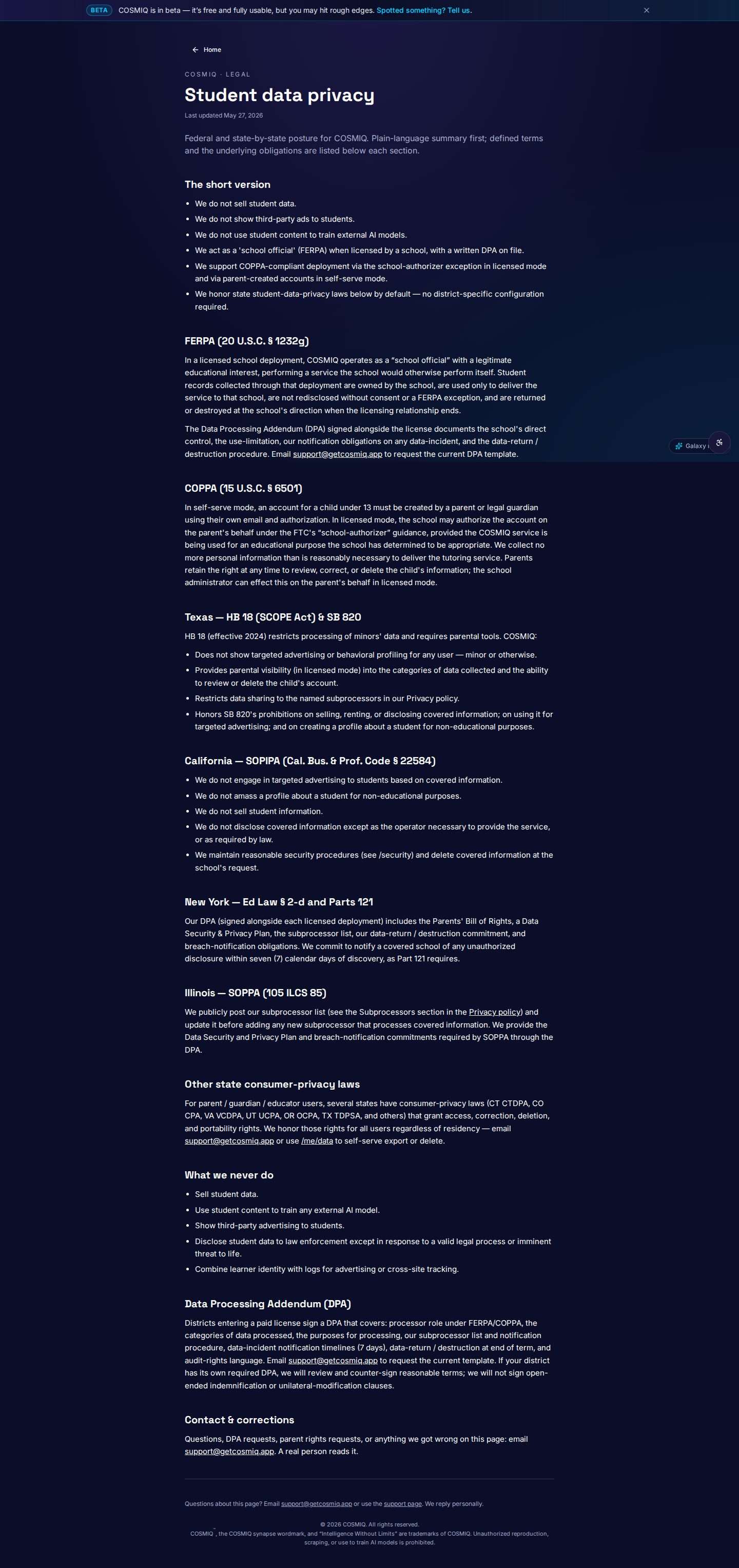
Moreover, any reputable SIS that supports OneRoster understands the importance of data privacy laws, such as FERPA. This means that they’ll likely have the necessary protocols in place to ensure that student data is handled appropriately. Regular audits of these systems can also ensure compliance with security standards, providing peace of mind to both administrators and parents.
You might also consider training your staff on data security best practices. For instance, ensuring that all users have strong passwords and understand the importance of not sharing personal data can go a long way in protecting your students' information. Addressing these concerns proactively can make your implementation of OneRoster CSV even more robust.
In addition, keeping an open line of communication with parents about how their children’s data is handled can enhance trust in your district. You might host informational meetings or send out newsletters explaining the privacy measures you've implemented and how OneRoster helps uphold those standards. This transparency is not only beneficial but often necessary.
Engaging Stakeholders for Successful Integration
Implementing OneRoster CSV isn't just a technical task; it’s a cultural shift that requires buy-in from various stakeholders in your district. Engaging teachers, administrators, and even parents in the process can significantly ease the transition.
Start with information sessions where you explain the benefits of OneRoster CSV. Highlight how this integration will make their lives easier, whether it’s through reduced administrative workload or improved access to student data. Feedback from these stakeholders can also be invaluable; they might identify potential pitfalls or areas that need more attention, allowing you to refine your approach.
You could also consider forming a task force made up of representatives from different departments. Their insights can help tailor the implementation process to fit the unique needs of your district, ensuring that everyone feels heard and valued. This collaborative approach doesn’t just make the integration process smoother; it cultivates a culture of innovation and cooperation.
Additionally, don’t underestimate the importance of ongoing communication. After the initial implementation, keep stakeholders informed about any updates or new features. Regular check-ins can also help gauge how well the system is being adopted and where further support might be required.
Maximizing OneRoster’s Features for Personalized Learning
One of the greatest advantages of OneRoster CSV is its potential to enhance personalized learning experiences for students. By efficiently managing data, educators can tailor instruction to meet the specific needs of each student.
For instance, through the OneRoster tutoring integration, teachers can identify students who might benefit from additional help in certain subjects and assign them to relevant tutoring programs. This targeted approach enables more effective learning interventions, which can result in improved student outcomes.
Additionally, analytics tools integrated with OneRoster can provide invaluable insights into student performance trends. Teachers can quickly assess which students are excelling, which are struggling, and what specific areas need attention. By creating a data-driven culture, educators can make informed decisions that enhance the learning experience.
Imagine being able to track the effectiveness of different teaching strategies or tutoring programs in real-time. The data you collect through OneRoster can help you iterate and improve your teaching methods, ensuring that each student receives the support they need to thrive.
Furthermore, personalized learning isn’t just about catching up struggling students; it’s also about offering advanced opportunities for those who excel. With OneRoster, educators can easily identify high-achieving students and provide them with enrichment activities or advanced coursework. This kind of data-driven differentiation helps ensure that all students are engaged and challenged in their educational journey.
Exploring Future Integrations and Innovations
As educational institutions evolve, the demand for more integrated systems will only grow. The OneRoster framework is designed to adapt and evolve, making it easier to incorporate new educational technologies as they emerge.
Consider the potential for integrating artificial intelligence and machine learning tools into your SIS through OneRoster. These technologies could analyze student data in real-time and offer tailored recommendations for interventions, resources, or even learning paths for individual students.
Imagine a scenario where an AI system suggests tutoring resources based on a student’s learning style or performance trends. Such innovations could revolutionize how we approach data management in education, providing even more personalized experiences for students.
Moreover, as more educational institutions adopt OneRoster, the potential for collaborative projects and shared resources will increase. Schools will be able to pool data, share best practices, and even collaborate on curriculum development based on the insights gathered through the OneRoster framework. This collective approach could lead to more equitable access to quality education across districts.
In the coming years, it’s likely that the OneRoster standard will become the backbone of educational data management, facilitating smoother operations and innovative practices that better serve students and educators alike.
Learn anything, free.
COSMIQ is a free, voice-driven AI tutor for every learner. No credit card, ever.
Start learning free →