Unlocking Potential: 14 Engaging Coding Apps for K-12 and Exam Prep Students

In an increasingly digital world, understanding how technology works is no longer just an advantage—it's becoming a necessity. Learning to code helps students develop critical thinking, problem-solving skills, and creativity, preparing them for a wide range of future opportunities. Fortunately, getting started with coding has never been easier, thanks to a wealth of engaging and interactive apps designed specifically for students of all ages. Whether your child is just beginning their coding journey or looking to deepen their existing skills, these 14 apps offer fantastic pathways to explore the exciting world of programming.
Made this list? Show it off.
Grab a free "Featured in COSMIQ" badge for your site — no sign-up, no cost. It links back to this article.
Get your free badge →Getting Started: Visual & Block-Based Coding Apps
For younger learners or those new to coding, visual and block-based coding apps are ideal. They use drag-and-drop interfaces where students connect graphical blocks representing code commands, making complex concepts intuitive and fun.
ScratchJr (Ages 5-8): Developed by MIT, ScratchJr is a simplified version of Scratch, allowing young children to create interactive stories and games by snapping together colorful programming blocks. It's a fantastic introduction to sequencing and problem-solving.
Scratch (Ages 8+): Also from MIT, Scratch is a powerful, yet user-friendly, block-based programming language. Students can create animations, games, and interactive projects, fostering creativity and logical thinking. It has a massive online community for sharing and inspiration.
CodeSpark Academy (Ages 5-9): Featuring a word-free interface, CodeSpark Academy uses puzzles and games to teach fundamental coding concepts like sequencing, loops, and conditionals. It's designed to be intuitive and engaging for very young learners.
Lightbot (Ages 8+): Lightbot is a puzzle game that teaches programming logic through guiding a robot with commands. It introduces concepts like procedures, loops, and conditionals in a fun, game-like environment.
Kodable (Ages 4-10): Kodable offers a comprehensive curriculum for elementary students, progressing from drag-and-drop coding to JavaScript. It's designed to be used both in classrooms and at home, with engaging characters and stories.
Tynker (Ages 5+): Tynker provides a rich learning platform with hundreds of coding activities, puzzles, and projects. It starts with block coding and transitions to Python and JavaScript, making it suitable for a wide age range and skill progression.
Transitioning to Text-Based Coding Apps
Once students grasp the core concepts of coding through visual tools, they might be ready to transition to text-based languages, which are used in professional programming.
SoloLearn (Ages 12+): SoloLearn offers free courses in a variety of programming languages, including Python, JavaScript, HTML, CSS, and more. It uses short lessons, quizzes, and practice exercises, making it great for self-paced learning.
Grasshopper (Ages 10+): Created by Google, Grasshopper is an app designed to teach JavaScript through fun, quick lessons on your phone or tablet. It breaks down complex topics into manageable challenges, perfect for beginners.
Mimo (Ages 12+): Mimo provides interactive lessons and coding challenges for popular languages like Python, JavaScript, HTML, and Swift. It's structured like a game, with progress tracking and real-world project creation.
Encode (Ages 12+): Encode offers interactive coding tutorials for web languages (HTML, CSS, JavaScript) and Python. It provides a coding playground to practice and see immediate results, reinforcing learning.
Apps for Advanced Learners & Specific Interests
For students with some coding experience or those looking to explore specific areas like game development or app creation, these apps offer more advanced opportunities.
Swift Playgrounds (Ages 10+): Apple's Swift Playgrounds is an iPad app that teaches Swift, the programming language used to build iOS apps. It uses an interactive 3D world to make learning a real programming language engaging and accessible.
Roblox Studio (Ages 10+): While not strictly a coding app in the traditional sense, Roblox Studio allows users to create their own games and experiences within the Roblox platform using Lua programming. It's a fantastic way to learn game design and scripting in a popular environment.
Py (Ages 12+): Py offers a mobile-first approach to learning Python, a versatile and widely used programming language. It includes interactive exercises and a built-in code editor for practice.
DataCamp Mobile (Ages 16+): For older students interested in data science, DataCamp's mobile app offers courses in Python and R, focusing on data manipulation, visualization, and analysis. It's a great stepping stone for those considering STEM careers.
The COSMIQ Advantage: Voice-Driven AI Tutoring
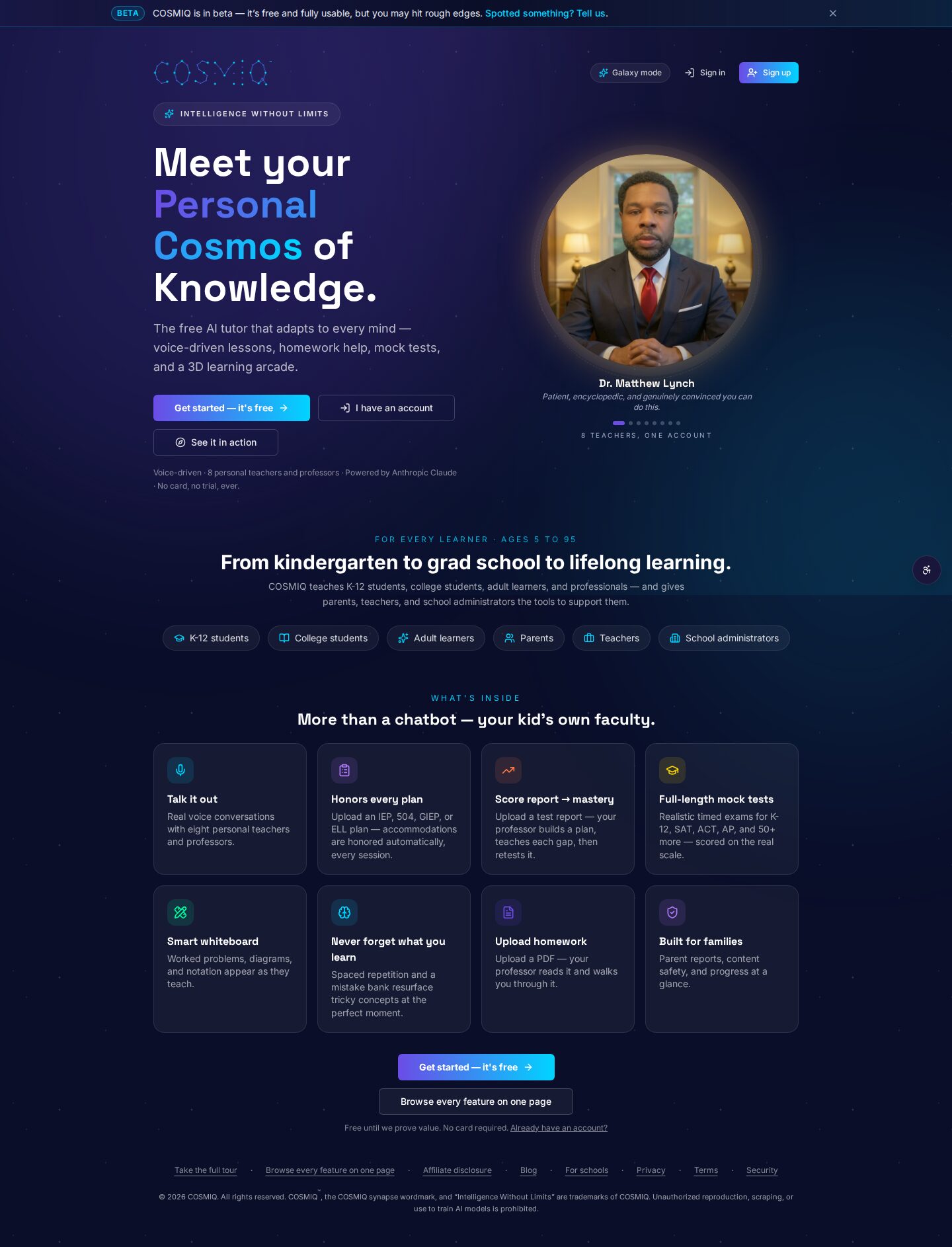
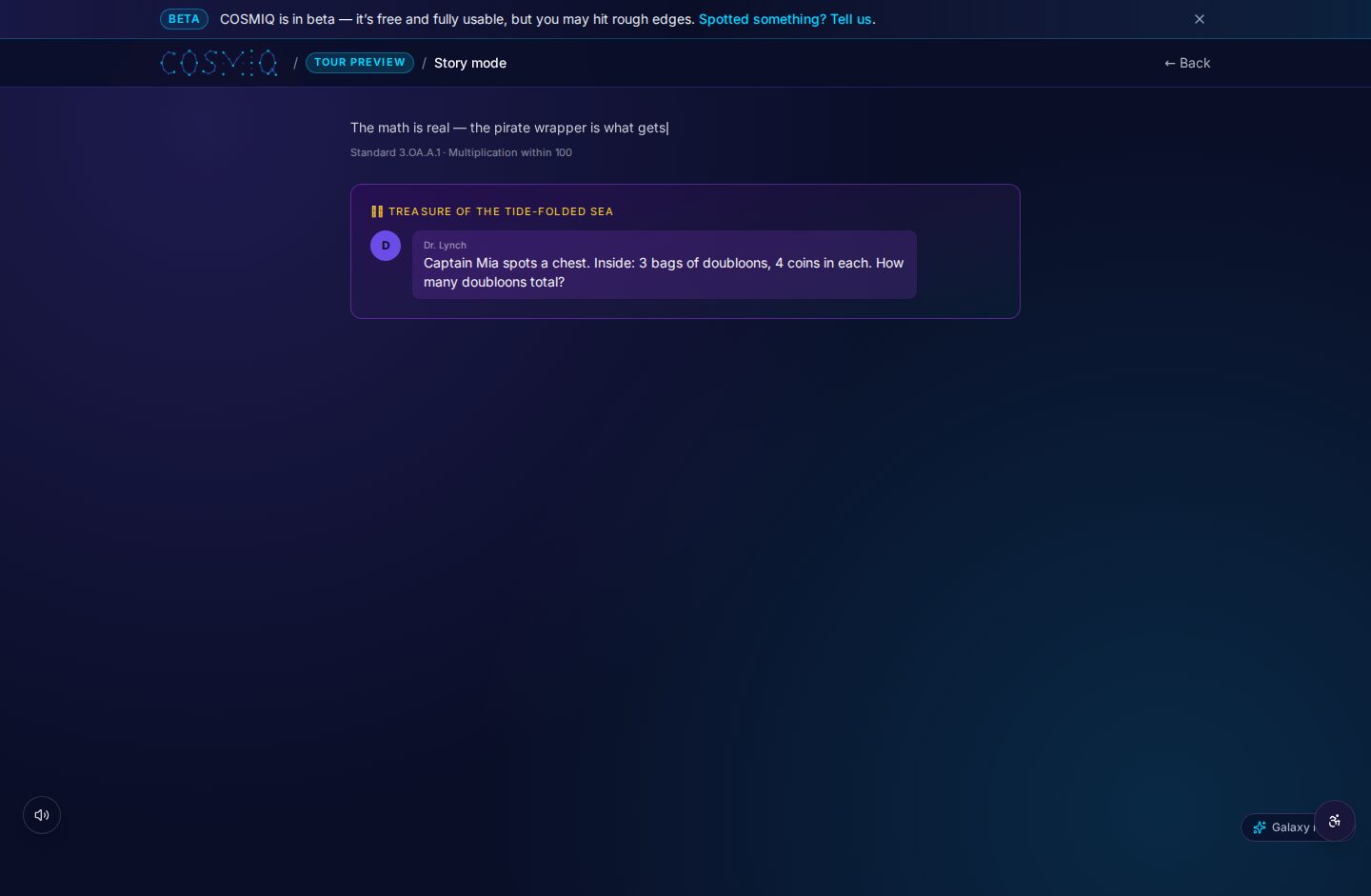
While these apps provide excellent hands-on coding experience, sometimes students need a little extra help understanding a concept or debugging their code. This is where a platform like COSMIQ can be invaluable. Imagine being stuck on a coding challenge in one of these apps and being able to simply ask an AI tutor for clarification, a hint, or a deeper explanation—all using your voice. COSMIQ integrates seamlessly with a student's learning journey, offering personalized, on-demand support that complements the structured lessons of coding apps. It's like having a patient, knowledgeable coding mentor available 24/7, making the learning process even smoother and more effective.
The world of coding is vast and exciting, and these apps provide excellent entry points for students of all ages. By leveraging these tools, combined with supportive resources like COSMIQ, we can empower the next generation to become creators, innovators, and problem-solvers in the digital age.
Learn anything, free.
COSMIQ is a free, voice-driven AI tutor for every learner. No credit card, ever.
Start learning free →