AI-Edited Stanford Ad: What Students Can Learn About Ethical Media Use

An AI-edited advertisement connected to Stanford University reportedly violated university policy, according to an official. Beyond the individual incident, the story raises a timely question for students, parents, and teachers: when AI can quickly alter images, voices, and video, how do we use it creatively without misleading people or misrepresenting an institution?
The answer is not to avoid AI altogether. Generative tools can support brainstorming, accessibility, drafting, and media production. But responsible use requires clear boundaries, honest disclosure, and careful attention to who may be affected by the final product.
Why AI-edited media needs extra care
Editing has always shaped communication. A photo can be cropped, a video can be shortened, and an advertisement can be designed to emphasize certain ideas. AI changes the situation because it can create or modify content at speed and at a level of realism that viewers may not immediately recognize.
That can create confusion when an AI edit changes the apparent meaning of a person’s words, makes an event look different from what occurred, imitates a voice, or suggests endorsement that was never given. In a school or university setting, the stakes may include reputation, privacy, safety, and public trust.
- Misrepresentation: AI-generated visuals or audio can imply that a person, organization, or community approved a message when they did not.
- Loss of context: A polished clip may remove details needed to understand a speaker’s actual meaning.
- Policy violations: Schools often have rules about branding, official communications, recordings, and the use of names or logos.
- Privacy concerns: Using someone’s likeness, voice, or personal information without permission can cause real harm.
The key issue is not simply whether AI was used. It is whether the use was accurate, authorized, transparent, and respectful.
How to evaluate an AI-made ad or video
Students encounter AI-generated media in social feeds, group chats, websites, and school projects. Rather than assuming every polished video is authentic—or assuming every AI-assisted work is deceptive—use a few practical questions.

- Who published it? Look for the original account, organization, or creator. A logo in a video does not prove that the organization made or approved it.
- What is the source of the claim? Check whether the post links to an official statement, a reputable news report, or a verifiable primary source.
- What has been changed? Consider whether the image, video, voice, captions, or background may have been generated or altered. Watch for missing context, unusual transitions, or vague attribution.
- Could a reasonable viewer be misled? Even technically accurate content can be misleading if it creates a false impression.
- Is there a disclosure? A clear note that AI was used helps viewers interpret the media appropriately, especially when edits are substantial.
These questions are useful for class assignments as well as online content. Media literacy is not about becoming suspicious of everything; it is about learning to pause, verify, and share responsibly.
Responsible AI guidelines for student projects
Before using AI to make a poster, campaign video, podcast, or presentation, students should check the assignment instructions and their school’s rules. If the project represents a club, school, university, business, or public figure, obtain the appropriate permission before using official names, logos, images, or recordings.
A simple workflow
- Use AI for ideas, outlines, accessibility support, or clearly labeled creative elements when permitted.
- Keep a record of the tool used and the meaningful changes it made to the work.
- Do not generate a realistic likeness or voice of a real person without their informed permission.
- Do not fabricate quotes, testimonials, endorsements, achievements, or event footage.
- Label AI-generated or heavily AI-edited material in language your audience can understand.
- Ask a teacher, adviser, or communications office when a project could appear official.
A useful rule of thumb is this: Would the person or organization represented recognize the content as fair and accurate? If the answer is uncertain, revise the work or seek guidance before publishing.
What parents and teachers can do
Adults do not need to know every new AI tool to guide young people well. The most valuable conversations focus on judgment. Ask learners to explain their creative choices, identify the sources behind a claim, and describe how they disclosed AI assistance.
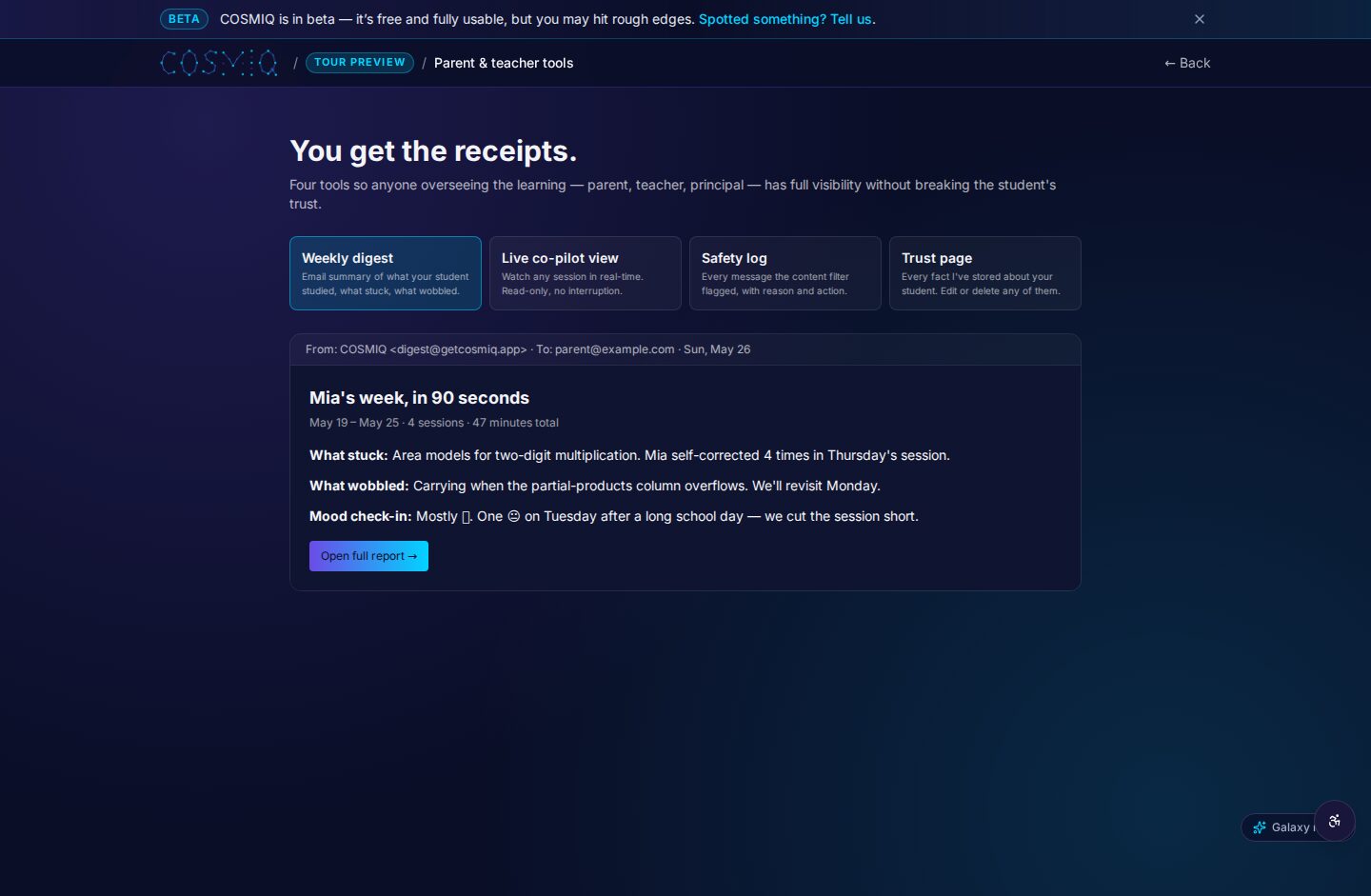
Teachers can make expectations more concrete by distinguishing between acceptable support and unacceptable substitution. For example, a teacher might allow AI to suggest practice questions but require students to verify facts, cite sources, and write their own analysis. For media assignments, a rubric can include accuracy, attribution, consent, and transparency alongside design quality.
Parents can encourage a pause before sharing. If a video creates a strong emotional reaction—surprise, outrage, excitement, or fear—that is often a good moment to check its origin. Calm, curious questions work better than accusations: “Where did this come from?” “How do we know it is official?” and “Who might be affected if it is wrong?”
Trust is part of digital creativity
AI can make communication more accessible and imaginative, but it also makes ethical choices more visible. The reported Stanford advertising issue is a reminder that institutional policies and personal responsibility still matter, even when a tool makes editing easy.
For students, the goal is not perfection. It is building habits of consent, verification, disclosure, and respect. Those habits strengthen schoolwork, protect communities, and help future creators use powerful technology in ways that deserve trust.
Learn anything, free.
COSMIQ is a free, voice-driven AI tutor for every learner. No credit card, ever.
Start learning free →