Better Tools, Not More: A Practical Guide to Teaching Technology
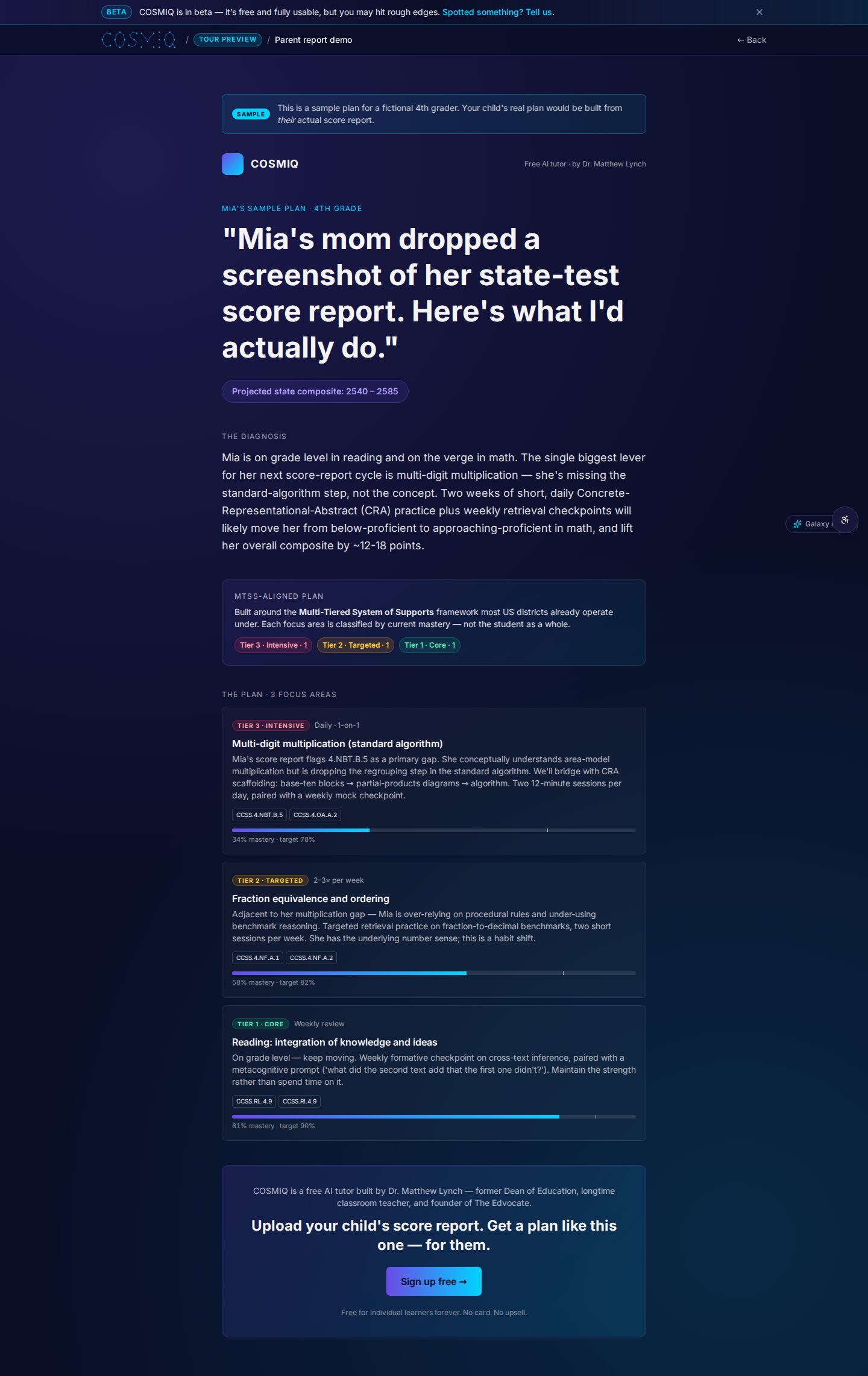
Technology can make learning more flexible, accessible, and responsive—but only when it solves a real classroom problem. For many educators, the challenge is not a shortage of platforms. It is the opposite: too many logins, dashboards, notifications, and disconnected tools competing for limited time. A useful approach is simple: choose better tools, not more of them. The best choices protect teacher judgment, reduce friction for students, and make learning easier to see and support.
Start with the learning problem, not the product
A tool is worth considering when a teacher can clearly name the job it will do. “We need an AI tool” is not a learning goal. “Students need low-pressure oral practice before a speaking assessment” is. “Families need a simpler way to understand weekly assignments” is. “I need faster insight into which prerequisite skills my class has missed” is.
Beginning with the problem prevents a common pattern: adopting a promising platform, then trying to fit lessons around its features. Instead, ask what students should know or be able to do, what currently gets in the way, and whether technology is genuinely the best response.
- For practice: Can students get useful repetition, hints, and a chance to try again?
- For feedback: Does the tool help students understand their next step rather than merely display a score?
- For access: Does it offer options such as audio, captions, translation support, adjustable pacing, or keyboard-friendly navigation?
- For teacher workflow: Does it remove a repetitive task or create a new one?
- For communication: Can students and families understand what to do without lengthy troubleshooting?
If the answer is vague, a new tool may add complexity without improving instruction. A worksheet, a conversation, a shared document, or no technology at all may be the stronger choice.
What makes a classroom tool genuinely useful
Useful technology is usually predictable, focused, and easy to explain. Students should spend their attention on the subject—not on locating buttons, managing passwords, or decoding an unfamiliar interface. Teachers should be able to decide when the tool is used, how its output is interpreted, and when to set it aside.
It supports teacher expertise
Technology can organize information, generate practice prompts, read text aloud, or offer a conversation partner. It cannot replace a teacher’s knowledge of a learner’s confidence, context, misconceptions, and goals. Good tools provide evidence and options; educators make the instructional decisions.

This matters especially with AI-supported tools. An AI response may be helpful, incomplete, overly confident, or wrong. Students benefit when teachers model verification: compare an answer with class notes or reliable sources, explain the reasoning, and ask what evidence supports the claim. AI can be a practice space, but it should not become the final authority.
It makes learning visible
Teachers often need a quick way to notice patterns: a concept many students missed, a vocabulary gap, or a learner who needs an alternative explanation. The most helpful reports are brief and actionable. A crowded dashboard full of metrics can obscure the questions that matter: Who needs help? With what? What should happen next?
It respects students’ time and privacy
Every account, permission request, and data field has a cost. Before introducing a platform, schools and teachers can review what information is collected, who can access it, how long it is kept, and whether students can use it safely and equitably. Clear local policies and family communication are essential, particularly when students use AI or voice-based tools.
Use a small, intentional toolkit
A coherent toolkit is easier to teach, maintain, and use well. Rather than asking students to master a different platform for every subject or task, identify a few reliable tools for core needs: communication, creating and sharing work, formative practice, and accessibility. Then establish consistent routines.
- Choose one priority. For example, improve reading fluency, strengthen retrieval practice, or simplify assignment feedback.
- Set success criteria before launch. Decide what would count as useful: fewer repeated instructions, more completed practice attempts, clearer student explanations, or better teacher awareness of misconceptions.
- Pilot with a small group or one unit. A limited trial reveals practical issues without disrupting an entire term.
- Teach the routine explicitly. Demonstrate how to log in, ask for help, check work, cite sources when needed, and report a problem.
- Review and remove. Keep what supports learning. Retire tools that duplicate existing systems or demand more effort than they return.
This review step is often overlooked. A tool that was useful for one project may not deserve a permanent place in the classroom. Reducing the number of platforms can be an instructional improvement, not a step backward.
Make technology work for different learners
Students vary in confidence, language background, access to devices, and comfort with independent work. Flexible tools can help when they offer multiple ways to engage with the same learning goal. A student may benefit from hearing a text read aloud, rehearsing an answer privately, receiving a hint in smaller steps, or pausing and replaying an explanation.
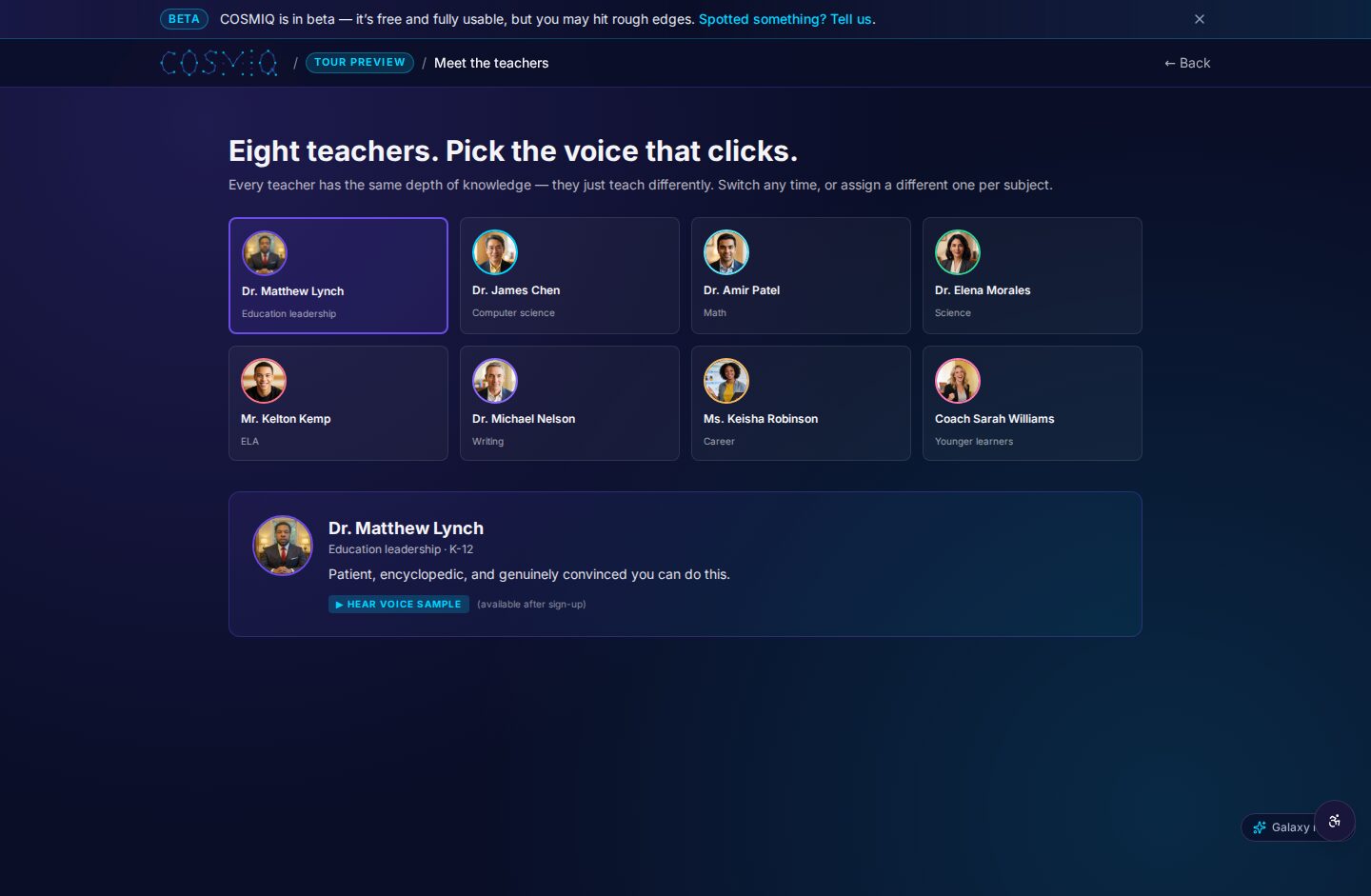
Voice-driven AI tutoring can be one option for practice, especially for students who learn by talking through ideas. A learner might explain how they solved a math problem, rehearse a historical argument, or practice a language response. The value lies in the cycle of attempting, receiving a prompt, revising, and reflecting—not in producing a fast answer.
The right question is not “What can this tool do?” but “What will this help this learner do more independently and thoughtfully?”
Teachers can also set boundaries that protect attention: use devices for a defined purpose, build in discussion and offline thinking, and avoid treating screen time as a measure of engagement. Meaningful learning still depends on relationships, explanation, practice, and reflection.
Conclusion: fewer tools, stronger routines
Educational technology is most helpful when it is quiet in the best sense: it reduces barriers without taking over the lesson. By starting with a clear need, choosing a small set of accessible tools, teaching routines, and regularly reviewing what is worth keeping, educators can make technology serve learning rather than distract from it. Better tools are not necessarily newer or more complex. They are the ones that give students more chances to think, practice, ask questions, and grow.
Learn anything, free.
COSMIQ is a free, voice-driven AI tutor for every learner. No credit card, ever.
Start learning free →