What a New National Survey Says About Classroom Technology
When teachers weigh in on classroom technology through a new national survey, the most useful takeaway is rarely a simple verdict that technology is either “good” or “bad.” Teachers see its possibilities and its friction up close: a tool may make practice more accessible for one learner while creating distraction, technical delays, or extra planning for another. For students, parents, and school leaders, survey results are an opportunity to ask better questions about how technology is being used and whether it supports meaningful learning.
Why teacher perspectives matter
Teachers work where digital tools meet real classroom conditions. They can observe whether a platform helps students explain their thinking, practice independently, collaborate, or receive timely feedback. They also see when logins fail, devices run out of charge, notifications compete for attention, or a resource does not fit the lesson.
A national survey can identify common patterns across many schools, but it should be read as a snapshot of educator experience rather than a universal rule. Classroom contexts vary widely. Access to reliable internet, class size, student age, subject area, school policies, professional learning, and family support can all change how useful a tool feels on a given day.
That is why survey findings are most valuable when they invite discussion rather than settle it. If teachers report concern about distraction, for example, the next question is not necessarily whether devices should disappear. It is: What routines, lesson design choices, and boundaries would help students use devices with purpose?
The realities behind “more technology”
Classroom technology is not one thing. It includes learning management systems, digital textbooks, shared documents, assessment tools, accessibility features, educational videos, calculators, tutoring tools, and increasingly, AI-powered resources. Each serves a different purpose, and each requires different expectations.
Technology can extend access and feedback
Used thoughtfully, digital tools can give learners multiple ways to engage with material. A student might listen to a text, enlarge it, replay an explanation, organize notes, or practice a skill at a pace that suits them. Teachers may be able to share materials quickly, check for understanding, and spot misconceptions before they become entrenched.
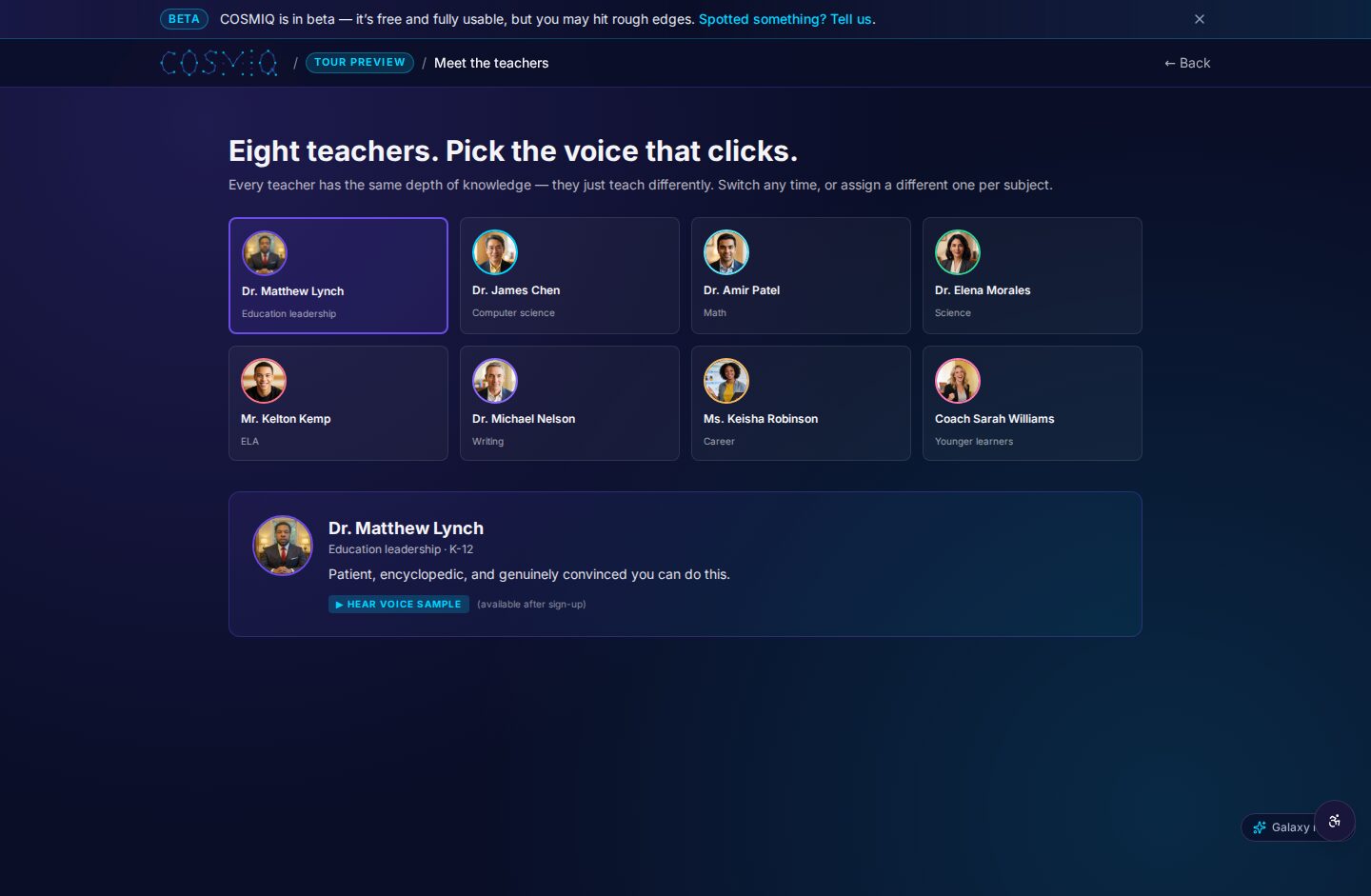
Voice-driven learning tools can be especially useful for students who learn by talking through a problem. Instead of only selecting an answer, a learner can explain a step, ask a follow-up question, and hear a concept phrased another way. The educational value comes from the conversation and reflection—not merely from getting an answer faster.
Technology also introduces real costs
Every tool asks something of teachers and students. Teachers may need time to learn it, adapt lessons, evaluate privacy practices, troubleshoot problems, and decide what to do when students use it inconsistently. Students need clear guidance on focus, digital citizenship, source evaluation, and when independent thinking should come before outside help.
Equity matters as well. A homework activity that assumes every student has a current device, quiet workspace, high-speed connection, and adult support may unintentionally widen gaps. Schools should consider offline options, shared-device plans, accessible formats, and flexible ways for students to complete work.
How to evaluate classroom technology wisely
Rather than asking whether a school is “high tech,” families and educators can focus on whether a particular use of technology has a clear learning purpose. A good tool should fit the goal of the lesson, not replace it.
- Start with the learning goal. Is the aim to build fluency, explore ideas, write an argument, solve a multistep problem, or collaborate? The goal should determine the tool.
- Look for active learning. Students should be explaining, creating, practicing, questioning, or revising—not simply clicking through screens.
- Protect time for deep thinking. Reading closely, writing by hand when useful, discussing face to face, and solving without immediate hints remain important learning experiences.
- Use feedback carefully. Automated feedback can be helpful for practice, but students benefit from teacher feedback that understands context, effort, and reasoning.
- Set clear boundaries. Expectations for notifications, websites, AI assistance, citation, collaboration, and independent work should be explicit and age-appropriate.
- Review the evidence. Ask students and teachers what is working, what is difficult, and what should change. Usage alone does not prove learning value.
What students, parents, and teachers can do next
Students can make technology work for them by using it as a support for thinking rather than a substitute for thinking. Before asking a tool for help, try the question first. Then compare the response with class notes, explain the idea in your own words, and ask a teacher when something remains unclear. For AI tools in particular, checking facts and following classroom rules are essential.
Parents do not need to master every app to support healthy digital learning. Useful questions include: What is this tool helping you learn? What did you create or figure out today? Which part was difficult? Can you show me how you checked whether the information was reliable? These questions keep the focus on learning, not screen time alone.
Teachers and school leaders can use survey conversations to identify practical needs: dependable devices, workable technical support, accessible materials, time for professional learning, and policies that are understandable to students and families. Piloting a tool with a clear purpose and a review point is often more sensible than adopting it broadly without teacher input.
A balanced path forward
National survey results can highlight what educators are experiencing, but the strongest decisions still come from local listening and careful classroom practice. Technology is most helpful when it removes barriers, strengthens instruction, and leaves room for curiosity, relationships, and independent thought. Keeping teachers’ day-to-day experience at the center helps schools choose tools that serve learning rather than simply adding more screens.
Learn anything, free.
COSMIQ is a free, voice-driven AI tutor for every learner. No credit card, ever.
Start learning free →